How to Free Up Mac Storage: 7 Advanced Methods to Reclaim Your Disk
That dreaded 'Your disk is almost full' notification doesn't have to be a death sentence. Go beyond emptying the Trash and learn how to tackle System Data, optimize cloud storage, and reclaim your speed.
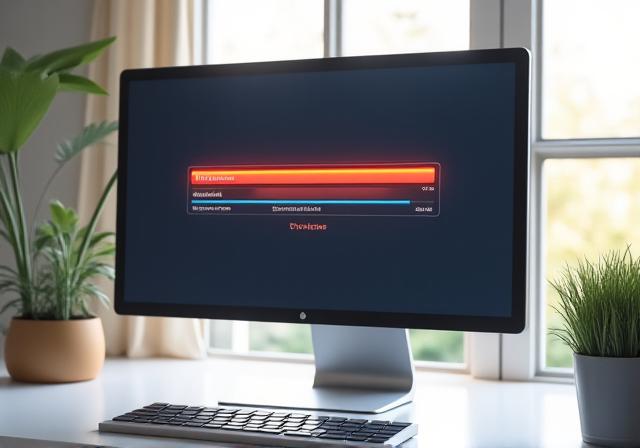
Method 1: Master the 'Storage Management' Tool
The first step in any professional cleanup is diagnostic. macOS includes a sophisticated 'Storage Management' dashboard that offers a granular look at what's actually consuming your disk space.
- Click the Apple Menu and select About This Mac.
- Navigate to the Storage tab and click Manage...
- Review the Recommendations sidebar: Store in iCloud, Optimize Storage, and Reduce Clutter.
The 'System Data' category (formerly 'Other') can be particularly elusive. It contains system logs, caches, and VM files. By utilizing the built-in 'Reduce Clutter' function, you can identify old documents and large files that macOS has already flagged for removal.
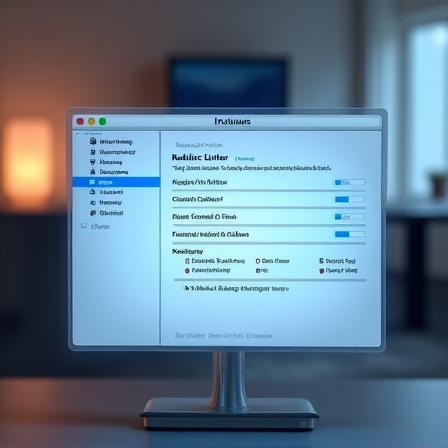
Method 2: Optimize Photos and iCloud Settings
Cloud-Based Offloading
Enable 'Optimize Mac Storage' in Photos > Settings. This keeps full-resolution images in iCloud while serving smaller, device-sized versions on your Mac, saving gigabytes of space instantly.
Smart Document Management
Use iCloud Drive for your Desktop and Documents folders. MacOS will automatically move oldest files to the cloud when disk space gets low, retrieving them only when you need them.
Method 3: Compressing & Archiving Old Files
For large project folders you don't use daily but can't delete—such as 4K video projects or raw photo sets—compression is your best friend. Right-click any folder and select 'Compress' to create a .zip archive.
- Efficiency: Archiving can reduce folder size by up to 40% depending on file type.
- External Storage: Once compressed, move these files to an external SSD for long-term cold storage.
- Best for: Creative professionals handling high-bitrate media or large datasets.

Tired of Manual Cleanup?
These methods work, but they take time and manual effort. TideClean Solutions recommends automated tools that find and remove hidden system junk, duplicate files, and oversized attachments in minutes.