The Creative Pro's Guide to Mac Optimization
Dropped frames. Slow renders. Full scratch disks. Stop letting your Mac be the bottleneck to your creativity. Speed up Final Cut Pro, Logic Pro, and Adobe CC today.

For Video Editors: Managing Render & Cache Files
High-resolution video editing in Final Cut Pro and Adobe Premiere Pro generates massive amounts of background data. Without regular maintenance, these files can swallow your internal storage in a single afternoon.
Final Cut Pro Optimization
- Select your Library in the sidebar.
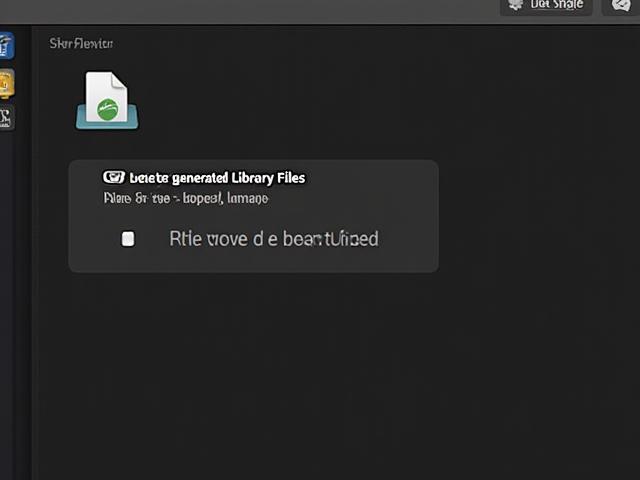
- Navigate to File > Delete Generated Library Files.
- Choose 'Delete Render Files' and 'All' to reclaim space.
Expert Tip: This can free up hundreds of gigabytes, but only do it for completed or archived projects to avoid re-rendering while you work!
Ideal setup: Moving 100GB+ Logic Sound Library to External Thunderbolt NVMe SSD.
For Audio Producers: Logic Pro & Sample Libraries
Large sound libraries for Logic Pro and Ableton Live are the primary space consumers for audio pros. When your disk is over 80% full, the macOS file system struggles with real-time audio stream performance, leading to the dreaded 'System Overload' errors.
Library Relocation
Use Logic’s built-in Sound Library Manager to relocate the library to an external SSD with at least 1,000MB/s read speeds.
Performance Impact
Keeping your internal drive lean ensures that macOS has enough room for swap files and high-speed plugin loading.
Tools That Help Creatives Reclaim Space
Not all cleaning software is created equal. Creatives need tools that understand project hierarchies and large file management.
Large File Scanner
Identify abandoned master files and older project archives that are taking up terabytes of space across multiple drives.
Cache Identification
Intelligently isolate Adobe Media Cache and After Effects scratch files without disrupting your current active projects.
Ready to clear the clutter?
See Best Mac Cleaners for 2026Tested specifically for video and audio workflows.